Unknown dishes. A mixed table. A budget that does not cover a full meal.
The QR opens the menu in the guest’s language, names allergens, and says what a real meal costs. The order goes to the kitchen. They pay at the counter.
The button opens a live menu in the product, in Dutch. We built that demo ourselves. The venue you see there is not a customer, and we do not use a logo as if they were.
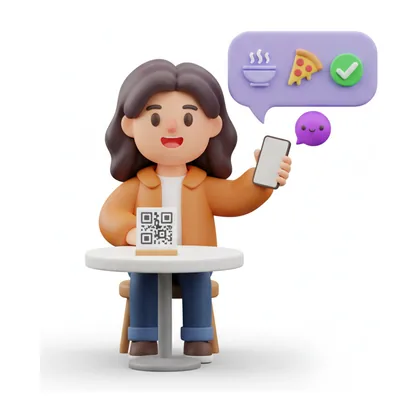
What changes at the table
From the scan to a kitchen ticket. The guest follows the status on their phone and pays at the counter. There is no promised arrival time.
- Scan
 1
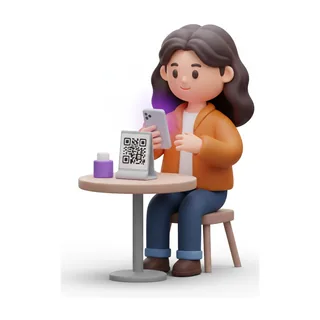
1A guest at table six scans — no app, no waiting for you.
- Open
 2
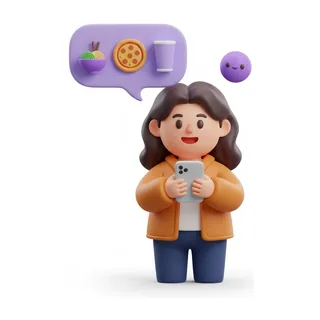
2The menu opens as a conversation, not a PDF.
- Ask
 3
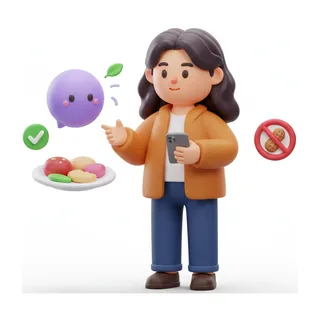
3They ask what's spicy or nut-free — it knows every dish on the card.
- Order
 4
4The order lands on the right station — grill, bar or the pass — with nobody relaying it.
- Track
 5
5They track it from the phone, and settle at the counter.
And the kitchen does not skip a beat
The guest sees a menu. You see the ticket, the cost, and the close.
The right station, every time
Every order lands where it is cooked — grill, tandoor or bar — the moment it is placed.
Close the night in one tap
See what you sold and what it earned before you lock the door.
See the full table-to-kitchen story
Every scan, every question, every order and the kitchen screen behind it — one walkthrough.
Other industries
Print the codes. The kitchen gets the ticket.
Print the codes and put them on the tables. The first guest opens the menu, the order lands in the kitchen, and they pay at the counter.
The kitchen gets its own app: kitchen screen, daily log and food cost.